Compress, convert and edit images online for free

Your online tool to edit, compress and convert images is simple, fast, and 100% secure.

Tools

Why use OptimizeImg?

Compress, convert, and edit your images quickly and easily, directly from your browser. No installation needed and no need to upload your files to a server.

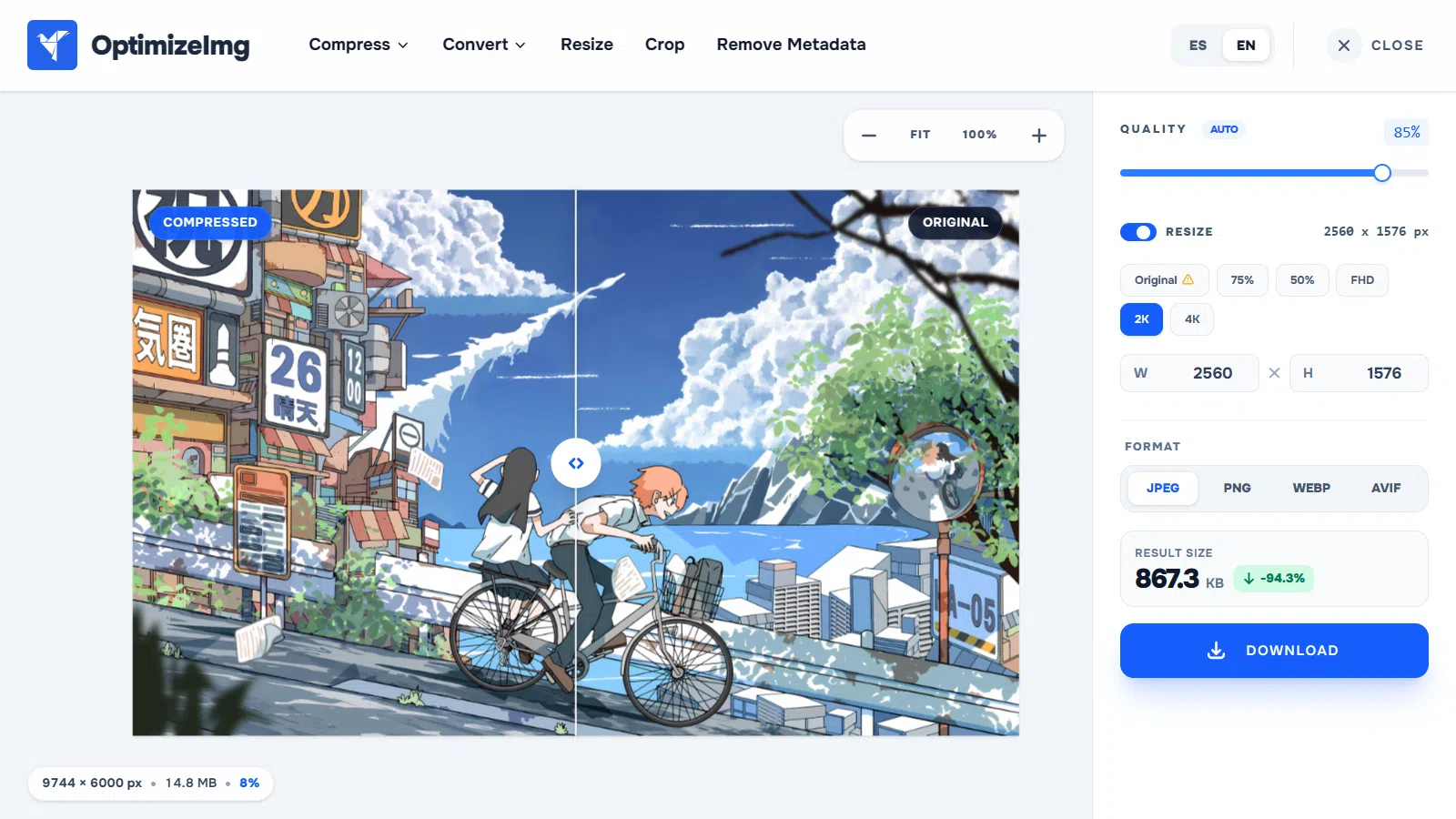
01 / SMART COMPRESSION

Reduce image file size without sacrificing quality

Fine-tune the quality of your images and compare the result before downloading. Find the perfect balance between file size and visual fidelity with real-time preview.

  • Compare original and result with an interactive slider.
  • Adjust quality and check final file size in real time.
  • Save your images in JPG, PNG, WebP, or AVIF.
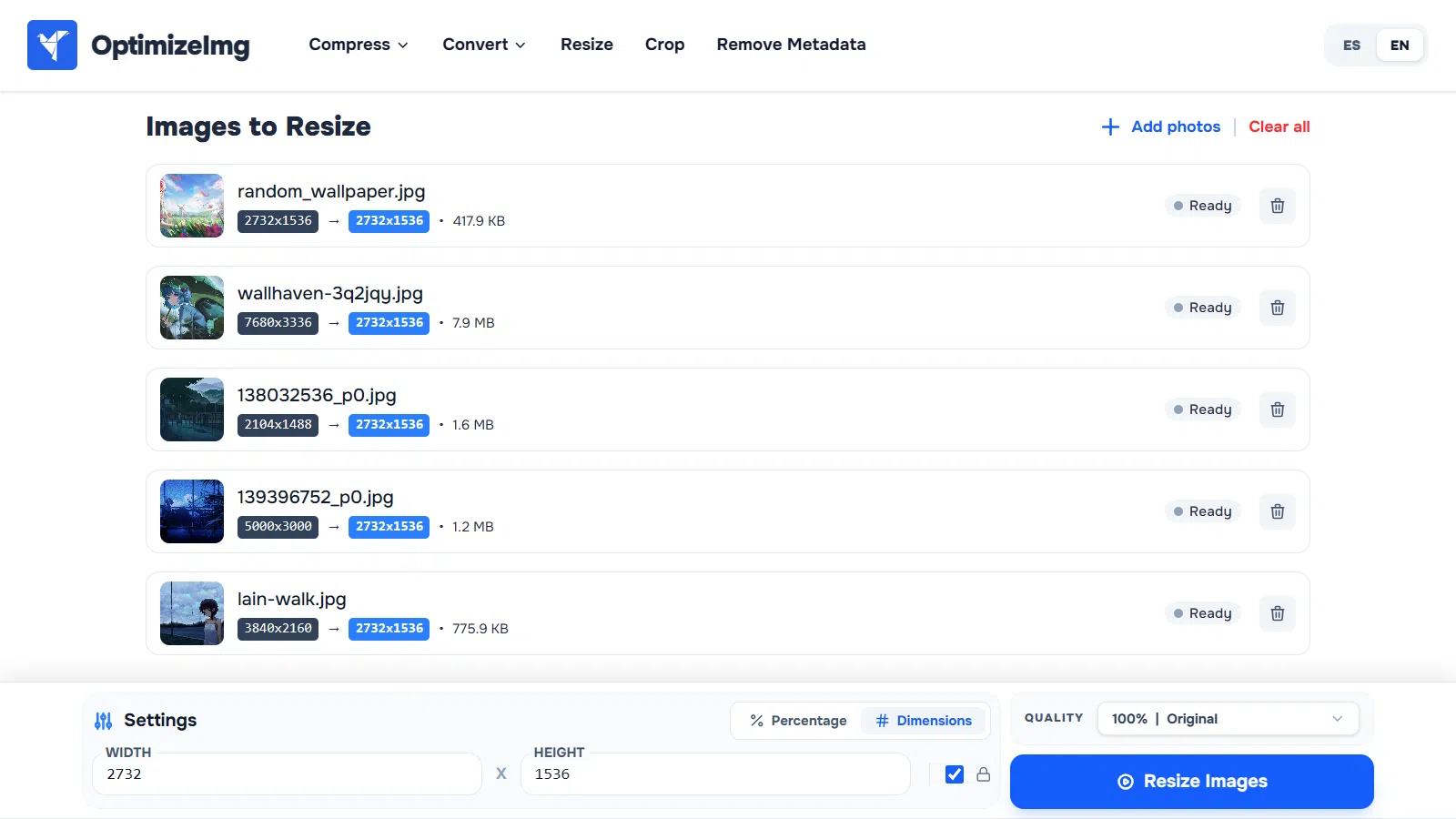
02 / IMAGE RESIZING

Resize multiple images at once

Change image dimensions by pixels or percentage without having to edit them one by one. Set the size you need and apply changes to multiple files simultaneously.

  • Change width and height in pixels or percentage.
  • Lock aspect ratio to prevent distortion.
  • Resize multiple images in a single batch.
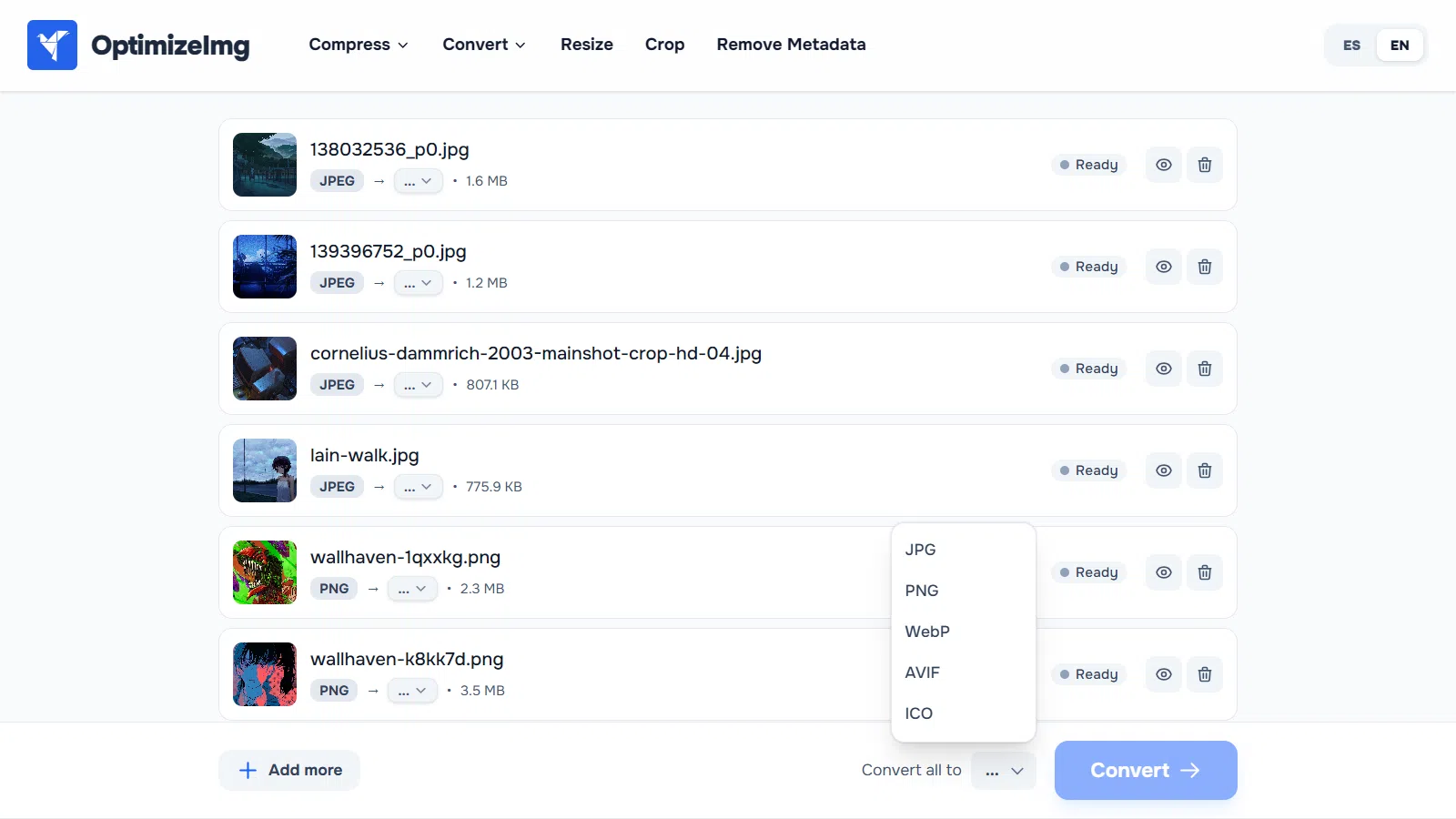
03 / FORMAT CONVERSION

Convert your images to any format you need

Convert your images to JPG, PNG, WebP, AVIF, and other formats without installing software. Convert multiple files at once and choose your preferred output format for each.

  • Convert multiple images at the same time.
  • Choose an output format for each file.
  • Download images separately or together in a ZIP.
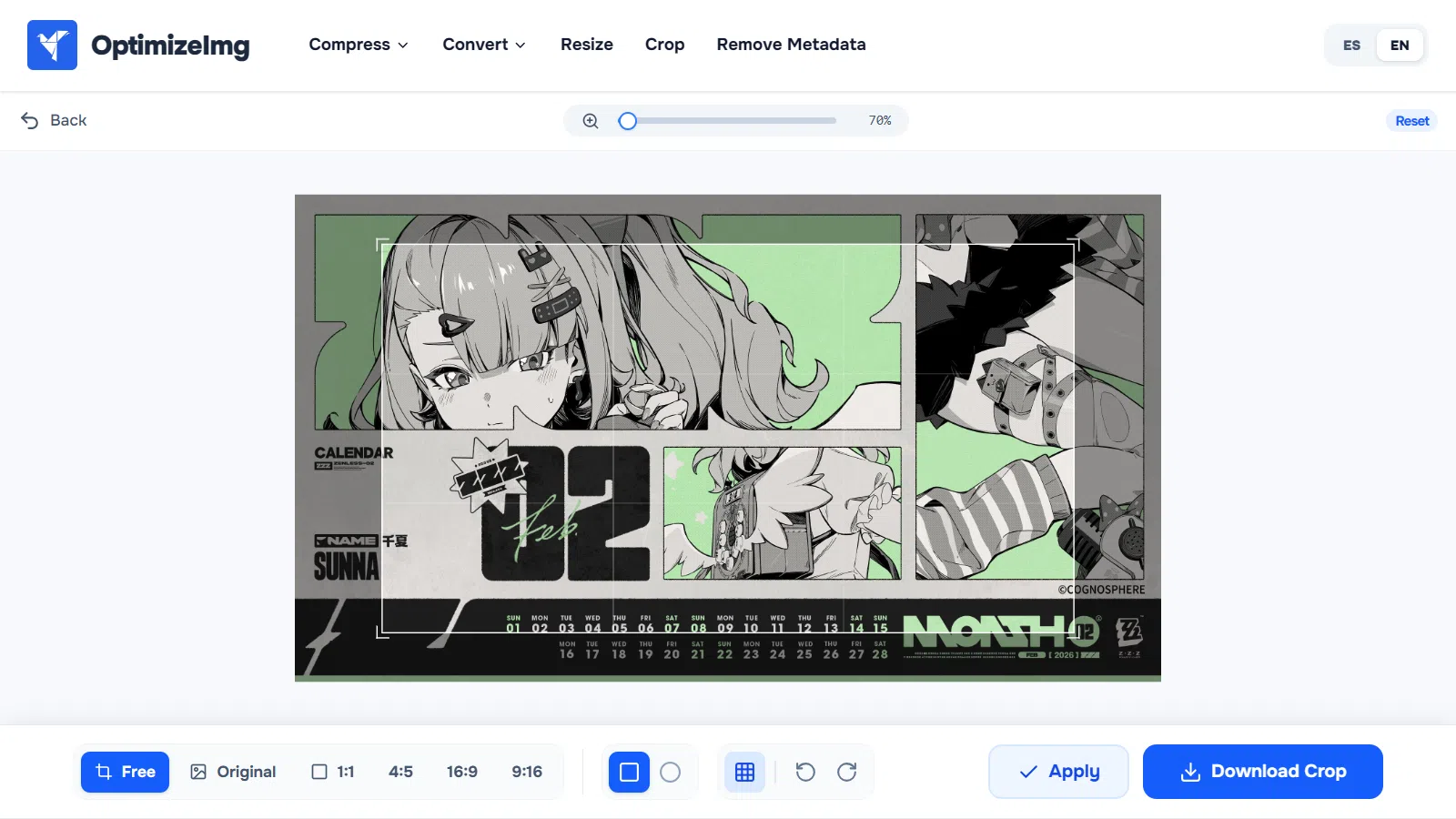
04 / IMAGE CROPPING

Crop your images with precision

Choose the part of the image you want to keep or use preset aspect ratios for social media and other layouts. Adjust framing with visual guides and download the result.

  • Use aspect ratios like 1:1, 4:5, 16:9, and 9:16.
  • Align the crop using the visual grid.
  • Zoom and rotate with real-time preview
optimizeimg.com/en/compress
01/04
Smart image compression editor with real-time comparison
Batch image resizing tool in OptimizeImg
Batch image format converter in OptimizeImg
Precision image crop tool with real-time preview in OptimizeImg

Frequently Asked Questions

What image editing tools do you offer?
We offer tools to compress images (JPG, PNG, WebP, GIF, AVIF), convert between formats, resize, and crop photos. Everything works directly in your browser for free.
Is OptimizeImg free to use?
Yes, all our tools are 100% free and require no registration. You can process as many images as you need.
Are my photos safe?
Absolutely. Unlike other sites, all processing happens in your own browser using secure technology. Your images are never uploaded to any server.